To ensure that your RedRabbit App is running smoothly.
Improved Performance: Helps maintain smooth and efficient system operation.
Free Up Storage Capacity: Creates additional space for new inspections and images.
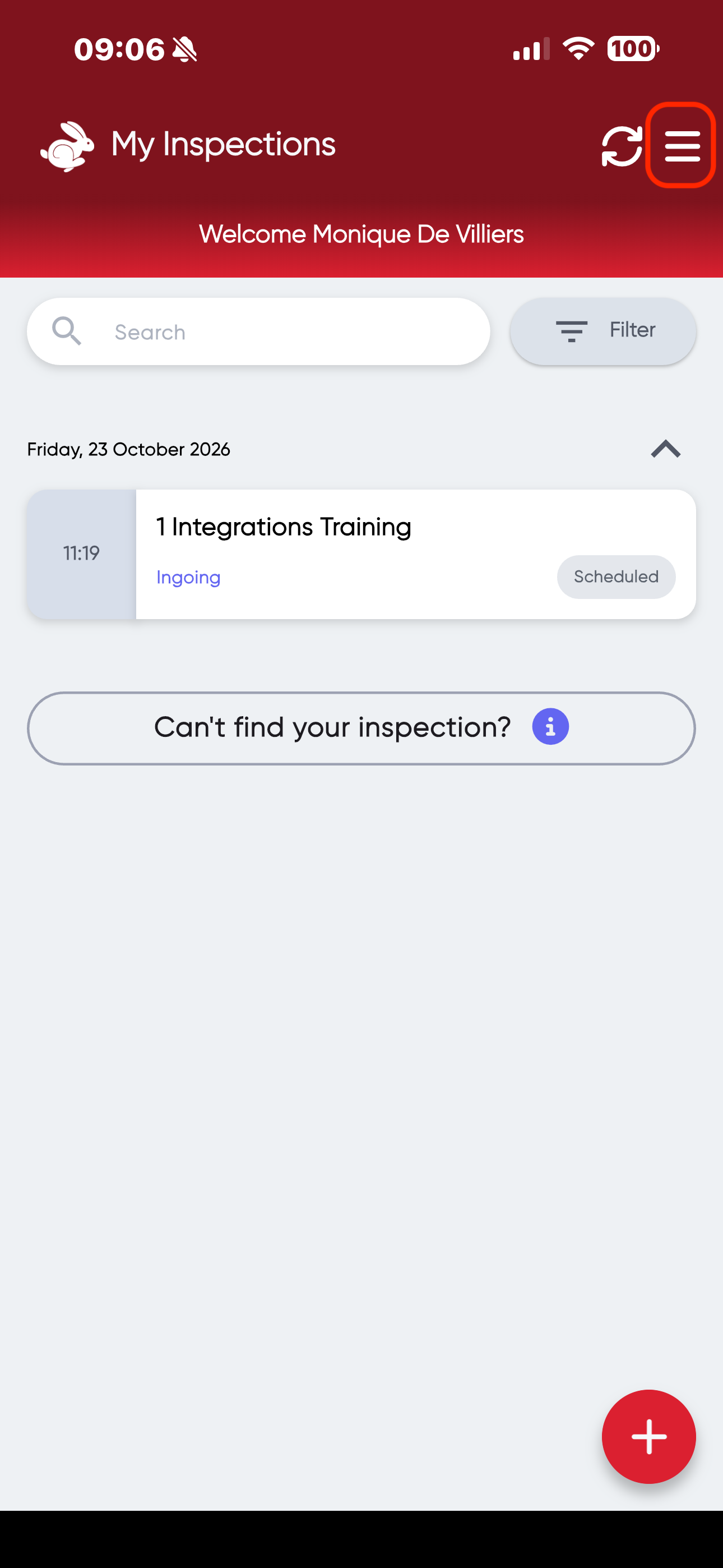
- Click on the Hamburger Menu in the top right corner.
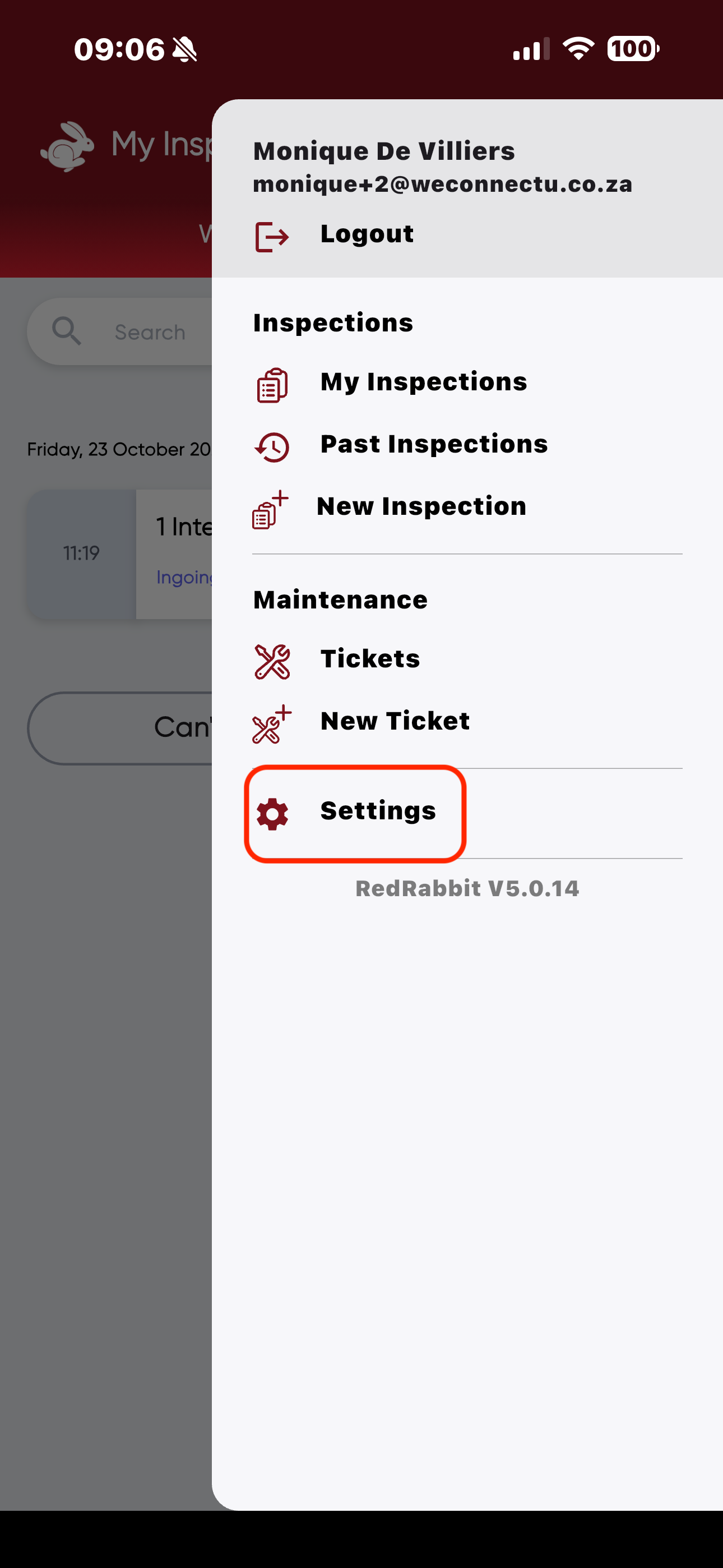
- Navigate to "Settings".
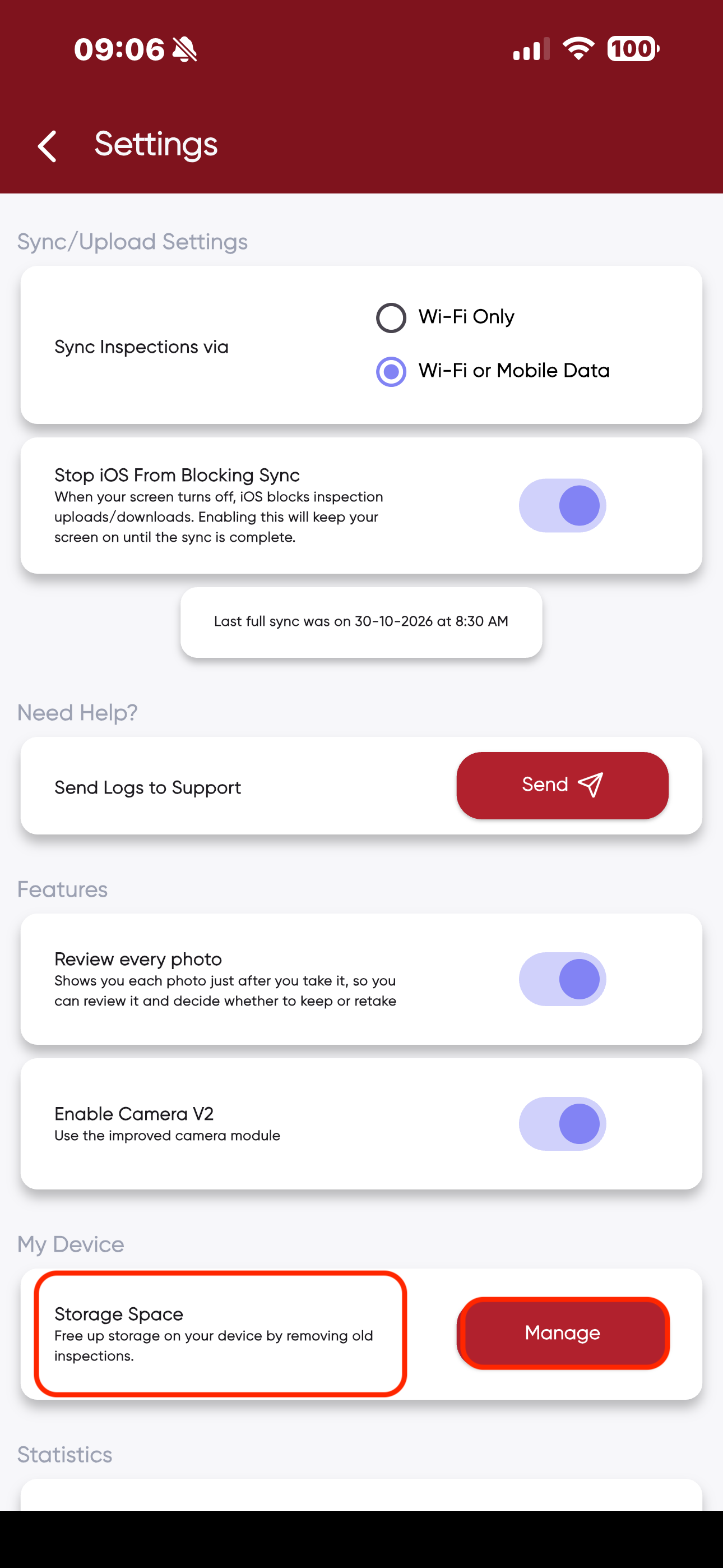
- Scroll down to "My Device"> "Storage Space"> "Manage".
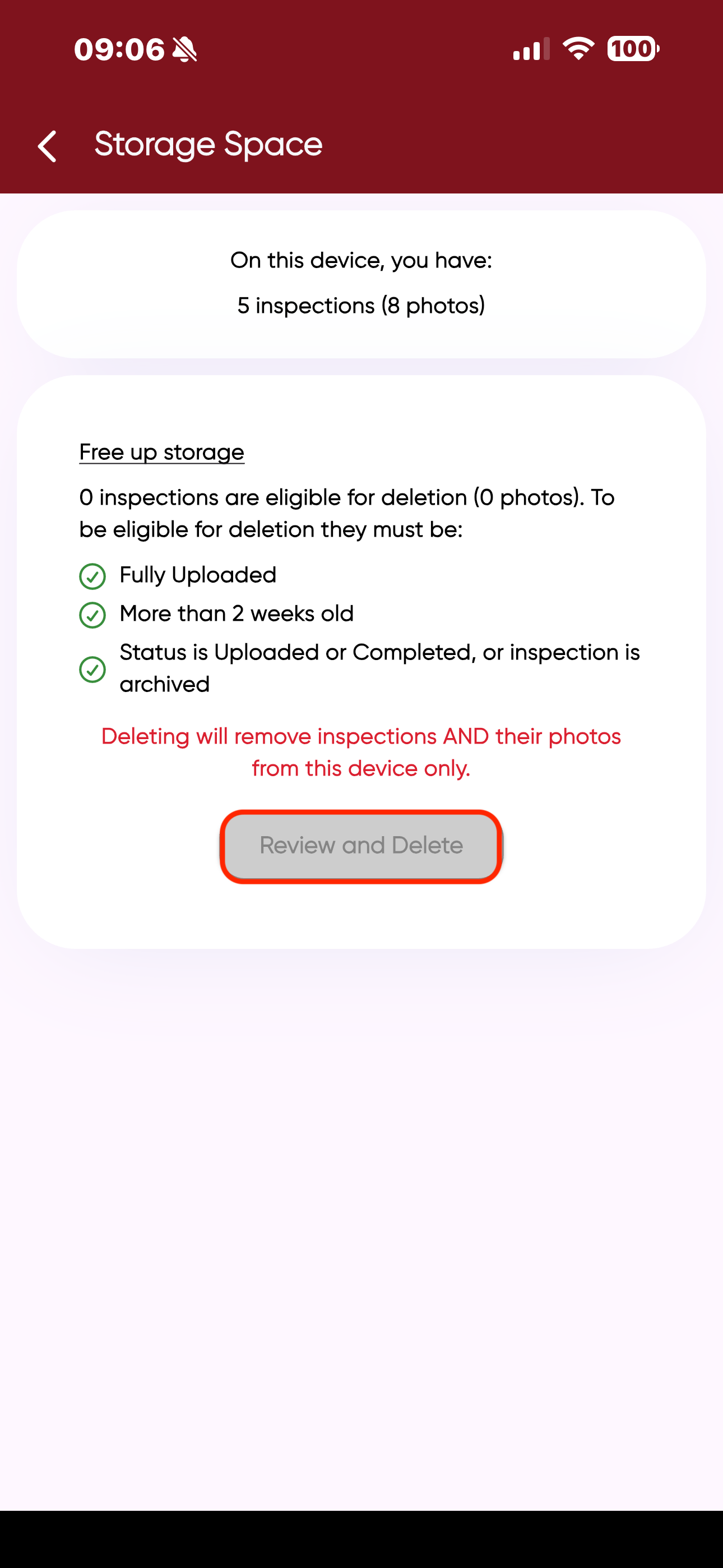
- Click on "Review and Delete".
Was this article helpful?
That’s Great!
Thank you for your feedback
Sorry! We couldn't be helpful
Thank you for your feedback
Feedback sent
We appreciate your effort and will try to fix the article