How to enable the Native Camera on your device to access the wide angle capability of your device.
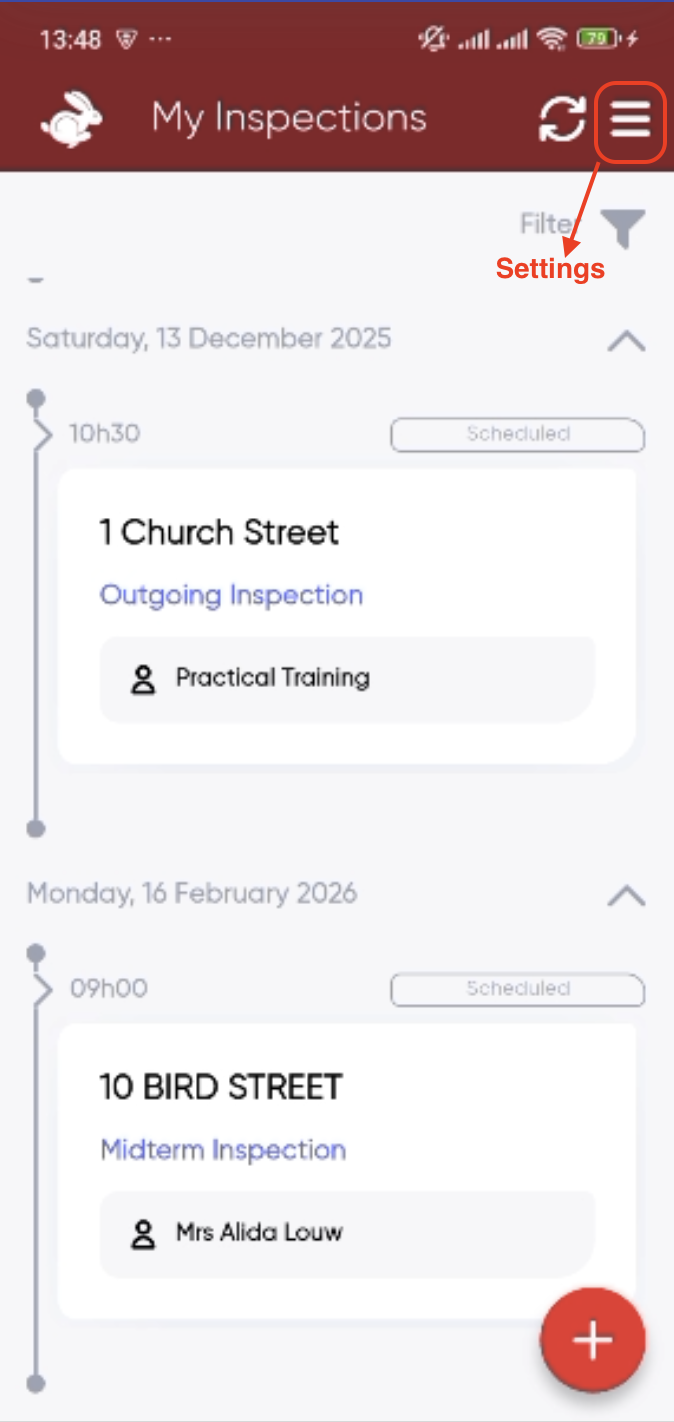
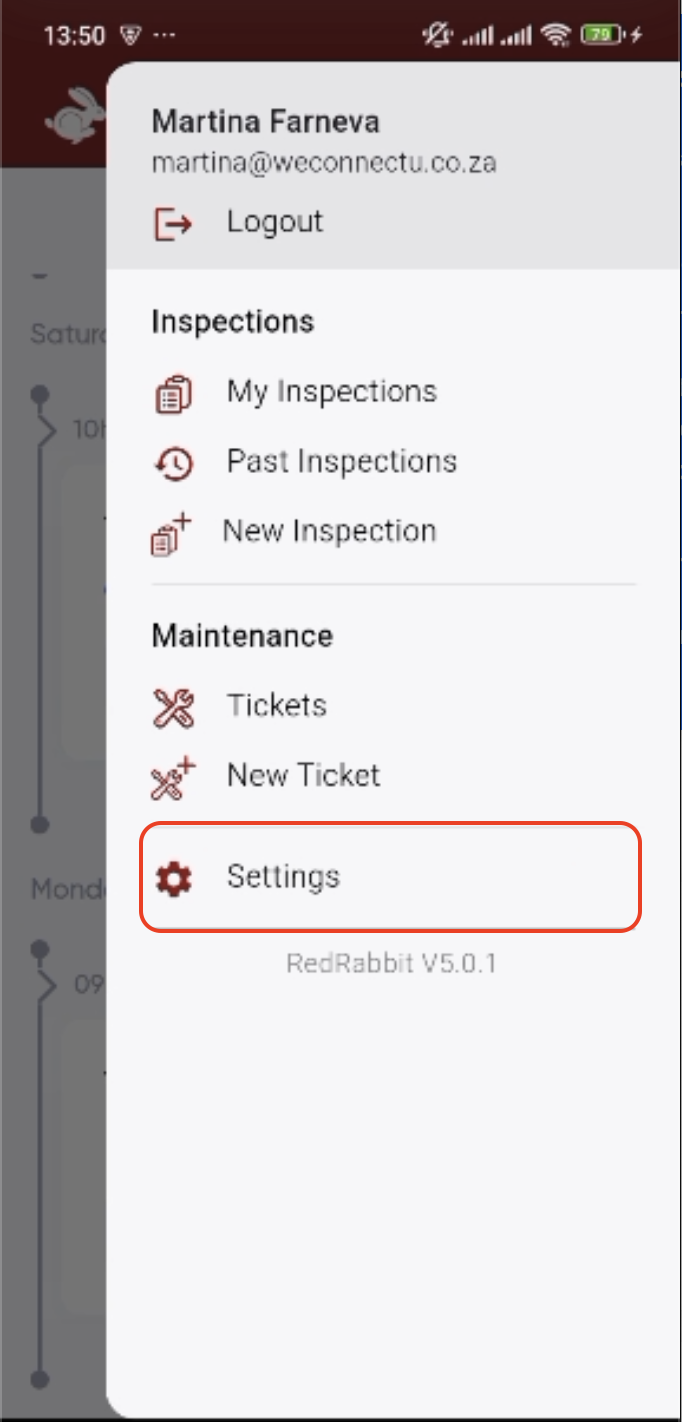
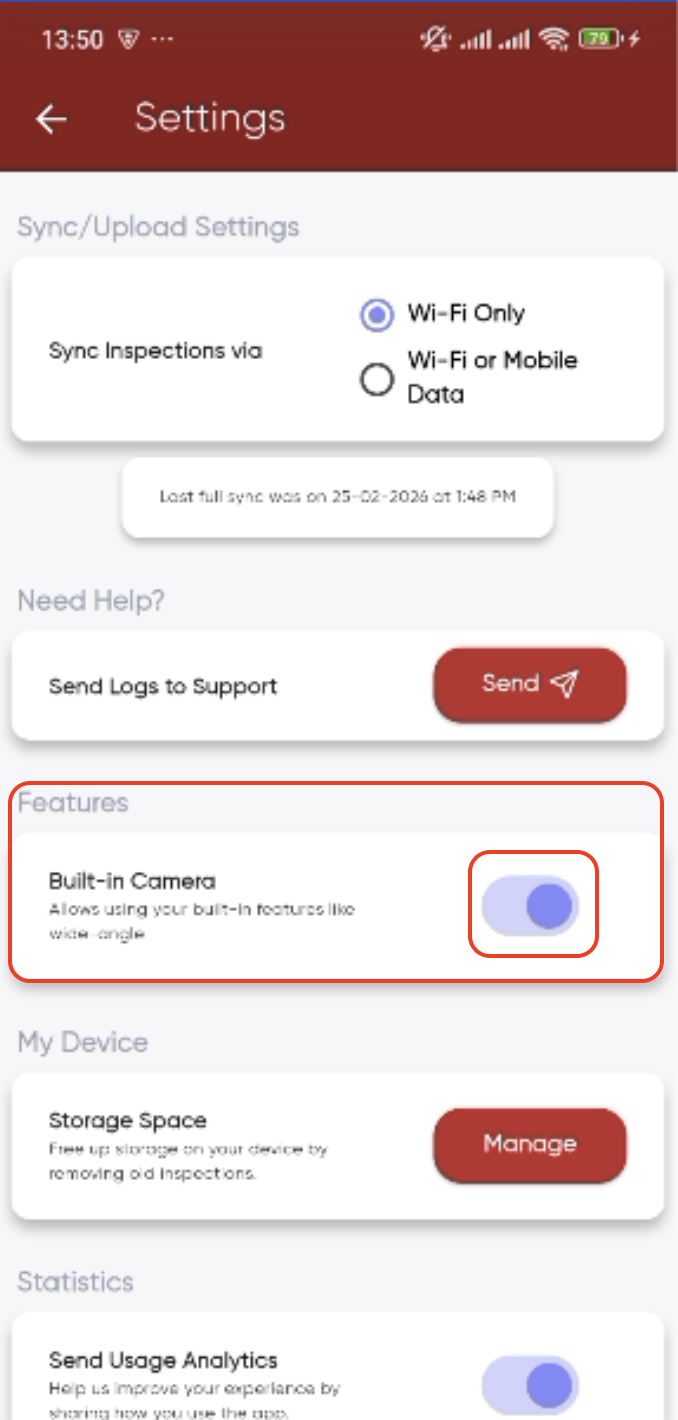
Navigate: Mobile App> Settings> Features> Built in Camera
- Mobile App> Settings
- Features> Built-In Camera
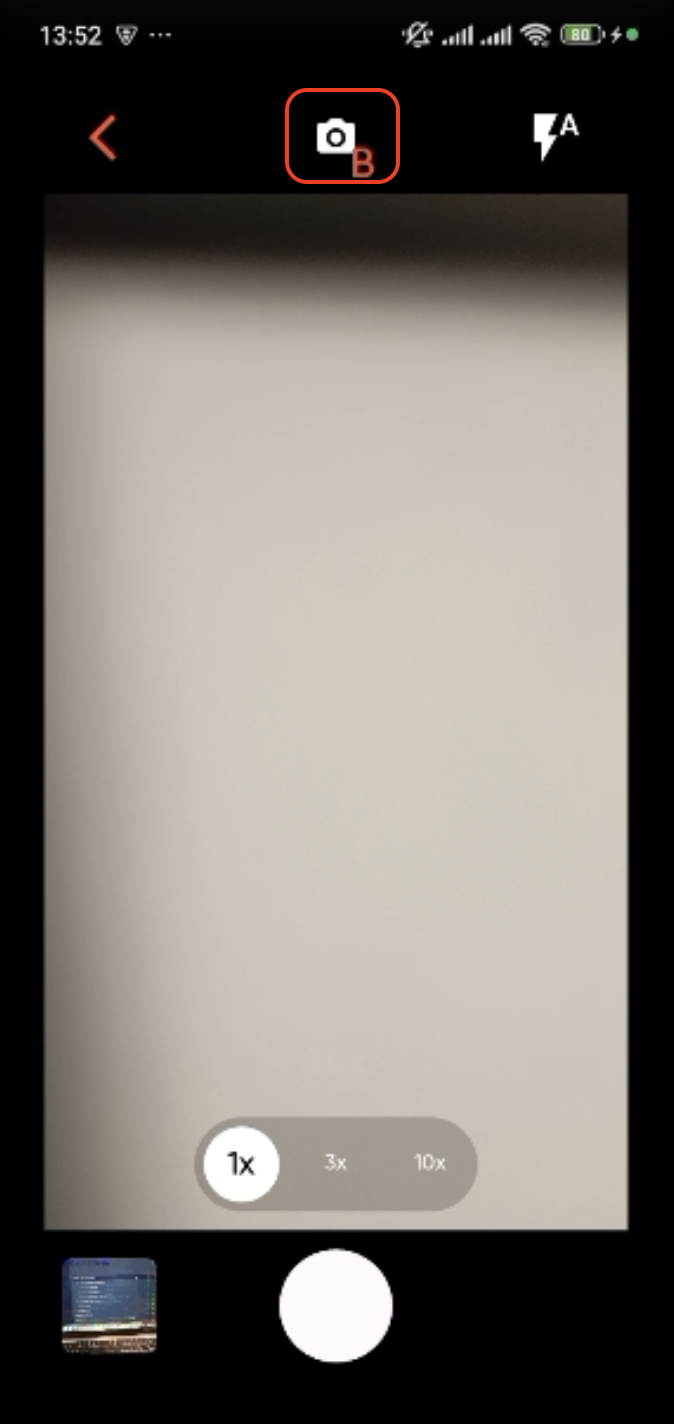
- When inside of the camera and you would like to use the Native Camera, click on the Camera Icon and you will be able to access Wide Angle
The request for Native Camera Access needs to be sent to info@redrabbit.zone so your team can be activated.
Kindly keep in mind that 0.5 and 0.6 zoom functionalities are device specific.
Was this article helpful?
That’s Great!
Thank you for your feedback
Sorry! We couldn't be helpful
Thank you for your feedback
Feedback sent
We appreciate your effort and will try to fix the article